My Designs: logos and imported images
My Designs puts your own drawing on posters, the noren, ramen bowls, and clothes. The only pixel size I can cite is the front sign: 512×384, landscape. Everything else is still unconfirmed, and I am not filling the blanks.
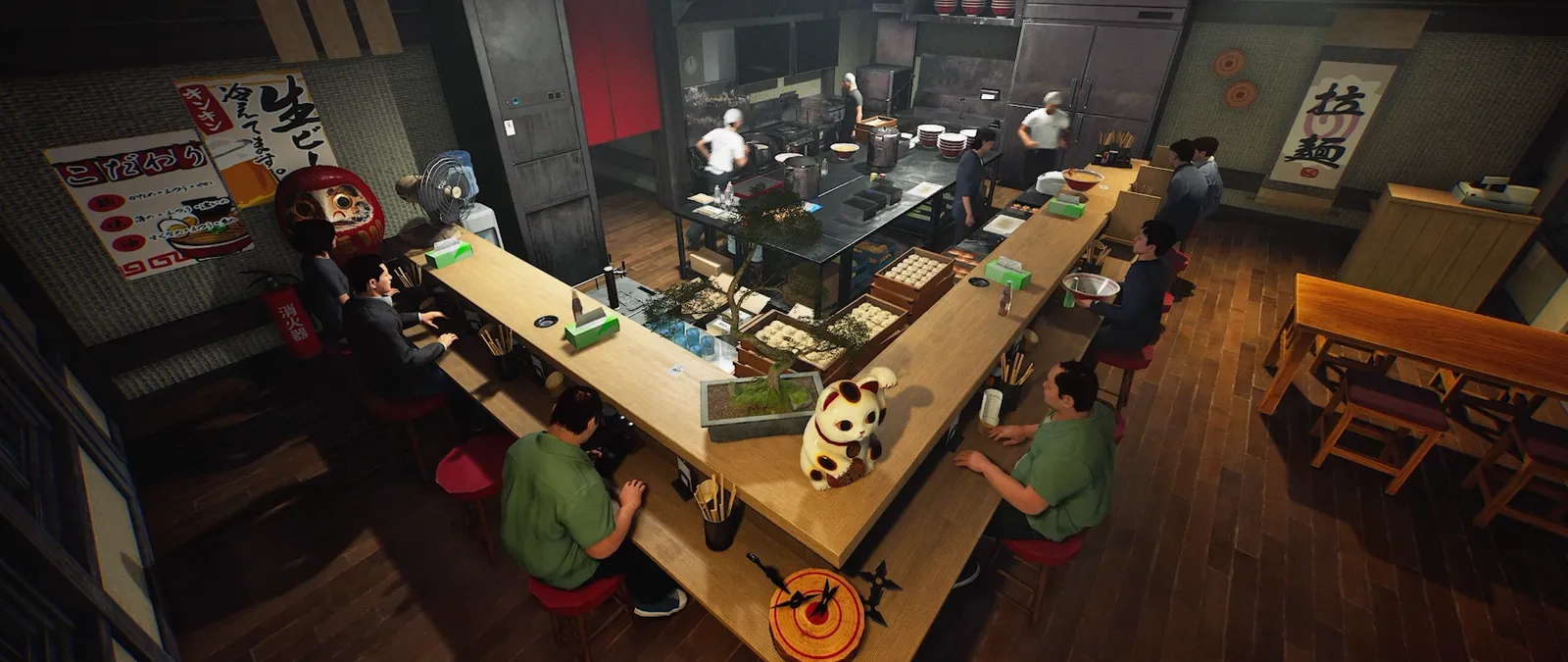
The path that matches the patch notes
- Open the My Designs manager and use the button that opens the save folder. v0.1.50 fixed that button showing up for guests in co-op.
- Export a PNG at the exact pixel size for that surface. A Steam discussion reply on 15 October 2026 gives 512×384 for the front sign only.
- Name files
001through010. That same reply is the source of the numbering. I cannot prove the cap is ten for every surface. - From v0.1.57, reload the folder inside the manager. Edited PNGs apply without a restart, and objects already using the design update. In multiplayer only the host can reload.
I have seen a Steam review where dragging photos into the folder did nothing until the player drew a logo instead. The likely mismatch is size or filename, not a second hidden menu. The achievement Living Up to the Sign pops the first time a My Design is applied, so the feature is a first-class action, not a hidden debug folder.
What I will not claim
- JPG support. The patch notes mention PNG. They do not mention other formats.
- Pixel sizes for bowls, clothes, posters, or the noren. Only the front sign has a cited size.
- A guest applying a new file. The note says guests cannot reload. It does not say they cannot use a design the host already loaded.
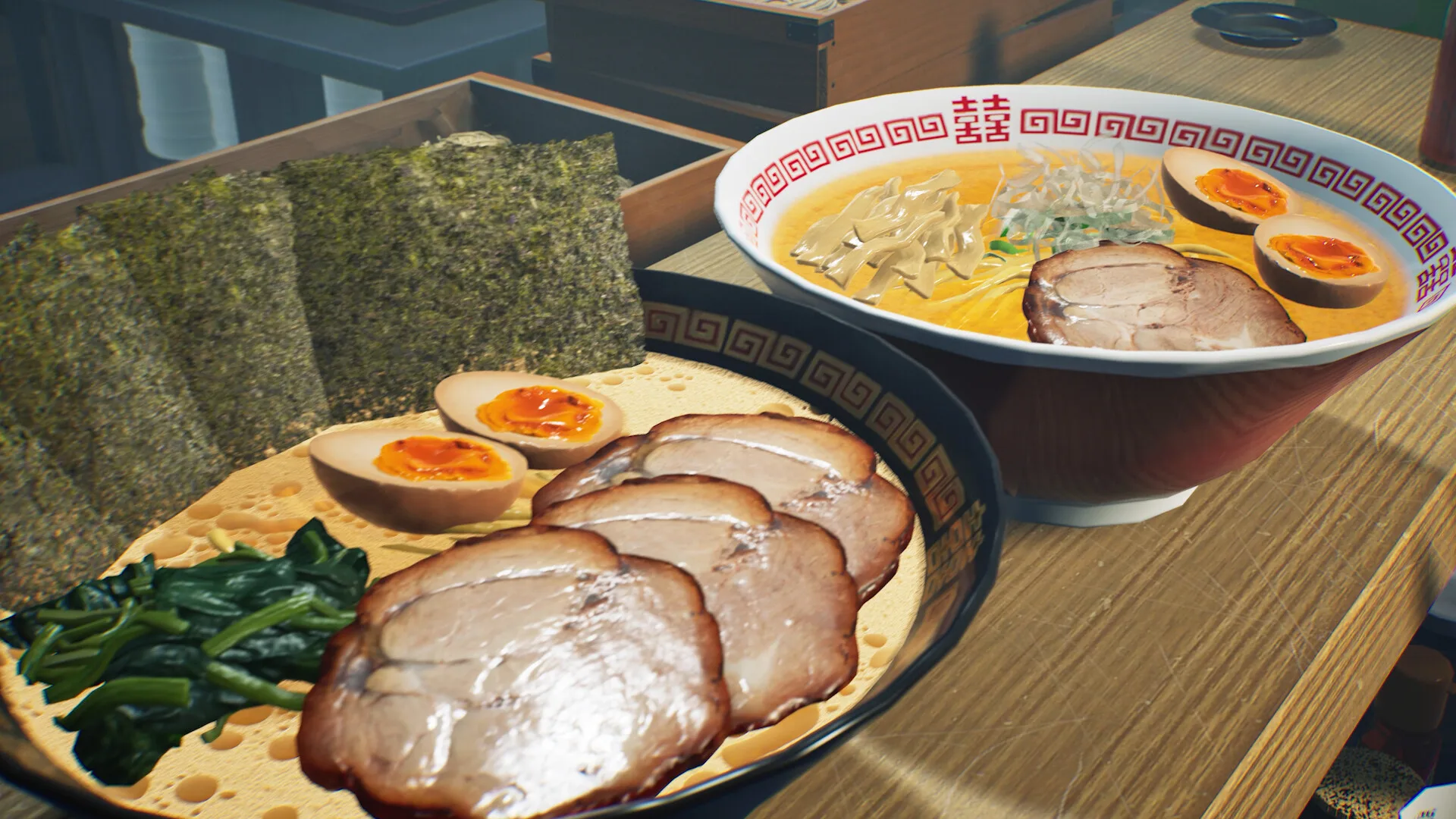
The store description also lists outfits, body shape, emotes, and a noodle-shake animation as separate character options, plus leaving a signature when you visit a friend’s shop. Those are not the PNG folder.
Questions
Why did my image not show up?
Check the pixel size and the 001–010 PNG name first. The front sign cited by players is 512×384.
Do I have to restart?
Not after v0.1.57, if you are the host and you use Reload in the My Designs manager.